
What Is a White Screen Page?
A white screen page fills your entire display with pure white (#FFFFFF). With every pixel driven to full brightness, the screen becomes an even light source and a clean background that reveals smudges, dark pixels, and color tint you would never notice on normal content.
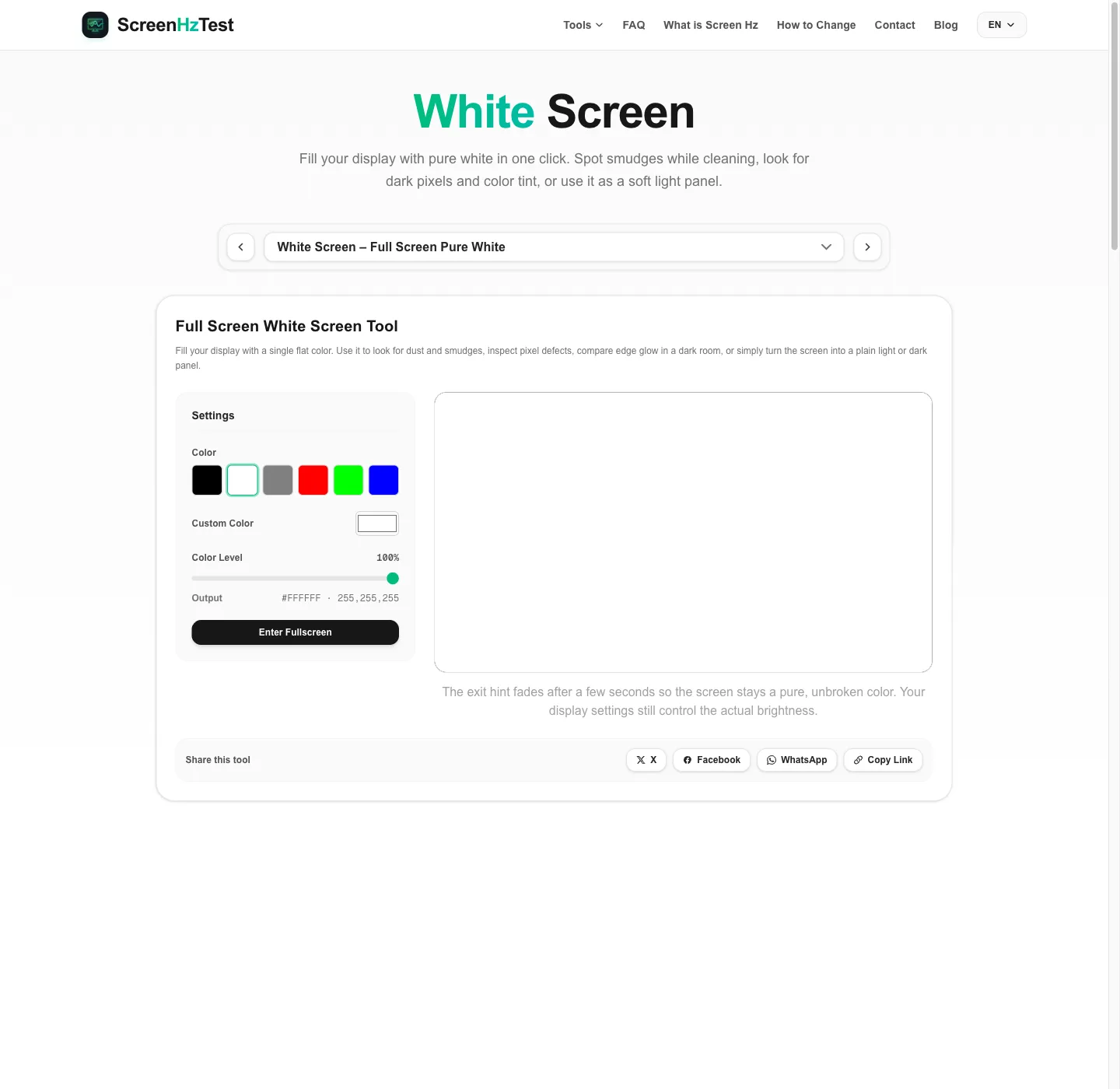
After three seconds in fullscreen the exit hint disappears and the display shows nothing but white. Lower the level slider for a softer light gray, choose another preset, or pick any custom color with the color picker.
How to Use the White Screen
- Keep the white preset selected and the level at 100% for maximum light.
- Click Enter Fullscreen or double click the preview to open the white screen.
- Raise your display brightness if you are using it as a light, or keep it at your usual level for checks.
- Double click anywhere or press ESC to exit.
On a phone or tablet
Chrome on Android opens the white screen without the address bar. Safari on iPhone may keep it visible; rotate the phone and scroll slightly to enlarge the white area. If you use the white screen as a light, switch off auto-brightness for a moment so the phone does not dim it to match the room.
On a second monitor or TV
Drag the browser window to the display you want to light up before entering fullscreen; only that monitor shows the white screen. On a smart TV, open the page in the built-in browser. A large TV showing a white screen gives enough light to brighten a small room.
Clean Your Display with a White Screen
Fingerprints, oil, and cleaning streaks are easy to see on a bright, even background. Open the white screen in fullscreen and note where the marks are. Then turn the display off and wipe gently with a dry microfiber cloth. For stubborn marks, lightly dampen the cloth with water or a cleaner your manufacturer approves; never spray liquid directly onto the screen. Reopen the white screen to check for spots you missed. For dust that shows up as reflections, the black screen works better.
Check Dead Pixels and Uniformity on a White Screen
- Dead pixels: a pixel that does not light up shows as a dark dot on a white screen. To catch stuck pixels too, run the full dead pixel test.
- Tint: look for areas that appear pinkish or greenish compared with the center.
- Brightness uniformity: lower the level to about 50% gray; corners that look clearly darker than the center suggest uneven backlight.
- Pixel grid: up close, some displays show a fine grid between pixels on bright content.
Use a White Screen as a Light Source
A white screen makes a surprisingly useful soft light. Place a laptop or second monitor showing the white screen in front of you during a video call to brighten your face. For a selfie, hold a second device slightly above eye level so the light does not come from below. If pure white looks too cold, choose a warmer tint: the perceived warmth of white light is described by its color temperature, and peach or cream tones read as warmer light. A tablet showing a white screen also works as a simple light box for tracing.
White Screen on OLED vs. LCD
LCD monitors usually hold a white screen at a steady brightness because the backlight runs at a fixed level. Many OLED panels behave differently: when most of the screen is white, automatic brightness limiting can dim the image to manage power and heat. If your white screen looks dimmer than a small white window, that is usually the reason.
Why Use This White Screen Tool
- Pure #FFFFFF at full resolution: drawn at device pixel ratio with no borders.
- Adjustable: a level slider and custom color picker turn the white screen into any tint or gray.
- Works everywhere: desktop, laptop, phone, tablet, and smart TV browsers.
- One toolkit: continue with the screen Hz test to check the same display's refresh rate.
White Screen FAQ
Can I use a white screen as a light for video calls?
Yes. A bright white screen facing you adds soft front light in a dim room. For a warmer look, pick a light peach or cream tone with the custom color picker instead of pure white, and lower the level if it feels harsh.
Is a white screen bad for OLED displays?
Showing a white screen for a short time is normal use. Leaving any static, bright image on an OLED panel for many hours can contribute to uneven wear, and many OLED screens dim full-white images automatically. Close the page when you no longer need it.
Why does my white screen look yellow or blue?
Night light, blue light filters, the monitor's color temperature setting, and the panel's calibration all change how a white screen looks. Turn those modes off and compare the screen with white paper in daylight to judge the tint.
Can I use the white screen for tracing drawings?
Many people use a tablet as a makeshift light box. Lay it flat, open the white screen at 100% level, and place thin paper on top. Do not press hard on the glass or use pens that could mark it.
Why does a full white screen get dimmer after a few seconds?
Some OLED displays and phones limit brightness when most of the screen is white to manage power and heat. This is usually designed behavior, not a fault.