
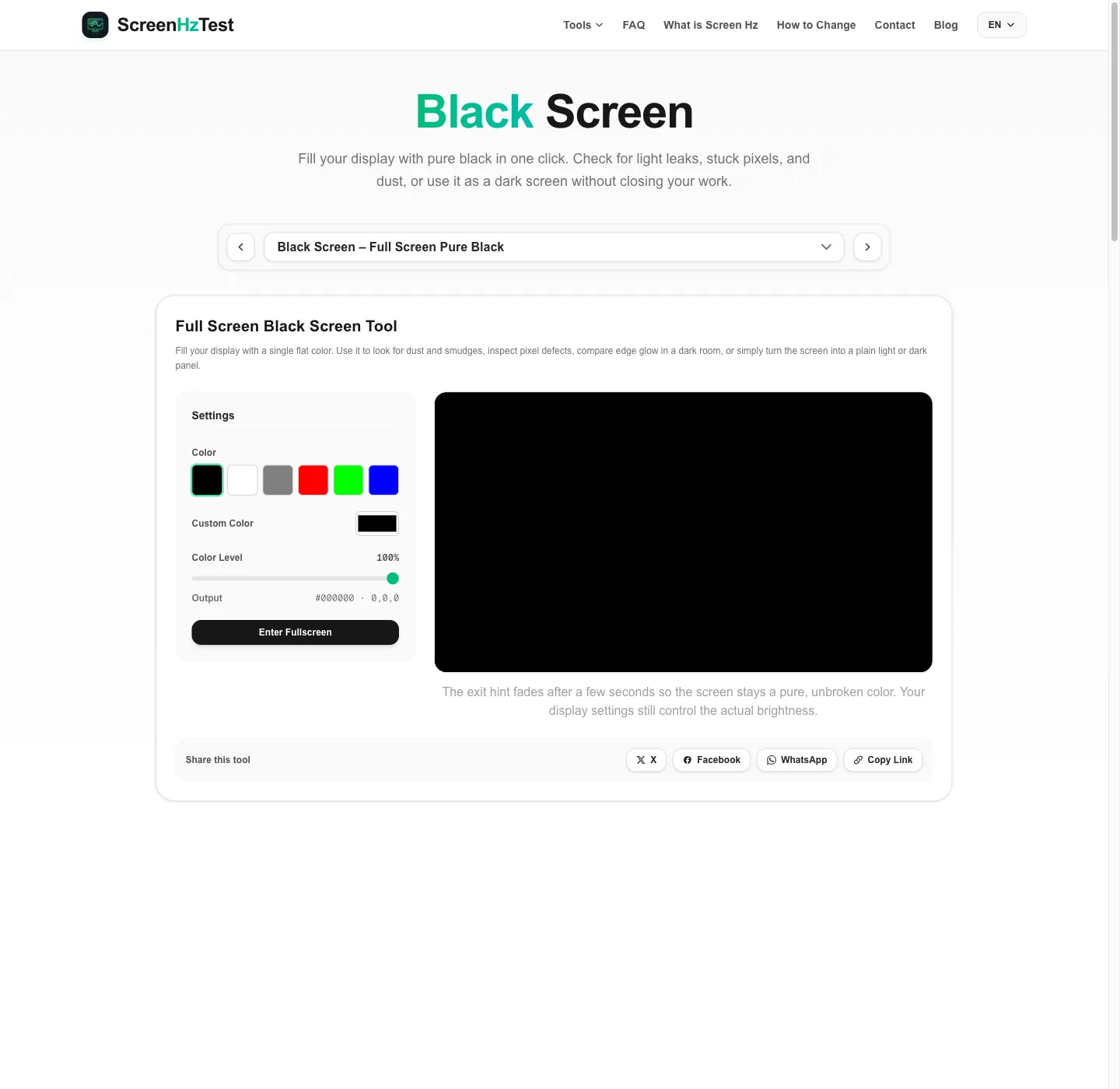
What Is a Black Screen Page?
A black screen page renders a pure black (#000000) canvas that expands to cover your entire display. Unlike turning the monitor off, the display stays powered and driven, which is exactly what you need to judge how dark the panel can get, where light leaks in, and whether any pixel refuses to switch off.
The exit hint fades after three seconds, leaving an unbroken black screen. You can also switch to other preset colors, pick any custom color, or lower the level slider to show a very dark gray, which helps when checking near-black uniformity.
How to Use the Black Screen
- Make sure the black preset is selected and the level slider is at 100%.
- Click Enter Fullscreen or double click the preview. The black screen now fills the whole display.
- Wait three seconds for the exit hint to fade, then do your check or leave the screen dark.
- Double click anywhere or press ESC to return to the page.
On a multi-monitor setup, drag the browser window to the display you want to darken before entering fullscreen. Only that monitor will show the black screen.
Black Screen Test for Backlight Bleed and IPS Glow
LCD monitors use a backlight behind the liquid crystal layer. When the panel frame does not seal perfectly, light escapes along the edges. A black screen in a dark room is the most sensitive way to see it:
- Turn off the room lights and give your eyes a minute to adjust.
- Use your everyday brightness. Maximum brightness exaggerates bleed compared with normal use.
- Open the black screen in fullscreen and view it from your usual seat.
- Move your head slightly. Haze that shifts with angle is IPS glow; bright patches that stay put are more likely bleed.
Phone cameras exaggerate bleed on a black screen. If you photograph it for a seller, choose an exposure that looks like what your eyes see.
Finding Stuck Pixels on a Black Screen
Any pixel that stays lit in red, green, blue, or white stands out sharply against black. Scan the black screen corner by corner from about 30 cm away. If you find a dot, note its position and color, then run the full dead pixel test, which cycles nine colors and includes a stuck pixel fixer.
Black Screen on OLED vs. LCD Displays
On an OLED display, each pixel produces its own light and turns off for black, so a black screen looks truly black even in a dark room. On an LCD, the backlight stays on and the liquid crystals block most of it, so black appears as a very dark gray. VA panels usually block more light than IPS panels. Displays with local dimming sit in between; you can compare their halo behavior with the MiniLED blooming test.
Everyday Uses for a Black Screen
- Hide a second monitor while watching a film or gaming, without unplugging it.
- Pause a presentation with a black screen instead of showing your desktop.
- Spot dust and fingerprints: reflections from a lamp make smudges obvious on a black screen before cleaning.
- Photograph reflections or use a dark background for product shots.
Why Use This Black Screen Tool
- True #000000: the canvas is drawn at device pixel ratio, so the black screen has no scaled edges or gray borders.
- Self-hiding hint: the exit message disappears after three seconds.
- More than black: presets, a custom color picker, and a level slider for near-black checks.
- No install: it is a plain web page that reads nothing from your display. For the opposite, open the white screen.
Black Screen FAQ
Does a black screen save power?
On OLED displays, black pixels are switched off, so a black screen usually draws less power than a bright image. On LCD monitors the backlight stays on, so the saving is small unless the display also dims its backlight. Letting the display sleep always saves more.
Is it safe to leave a black screen open for a long time?
A static black screen is generally the least demanding content for an OLED panel because the pixels are off. Remember that browser interface elements may reappear when you exit fullscreen, and static bright elements left for hours can contribute to uneven OLED wear.
Why is my black screen not completely black?
LCD panels let some backlight through even when showing black, so a black screen looks dark gray in a dark room. VA panels usually look deeper than IPS panels, and OLED or local dimming can reach near-total black. Also check that the level slider is at 100%.
How do I tell backlight bleed from IPS glow on a black screen?
Backlight bleed appears as fixed bright patches along the edges that stay put when you move your head. IPS glow is a hazy sheen in the corners that changes or fades with viewing angle.
Can I use the black screen on a phone or tablet?
Yes. Most Android browsers support fullscreen for this black screen. iPhone Safari may keep the address bar visible; rotate the phone and scroll slightly to minimize it. The device still follows its own sleep timer.