
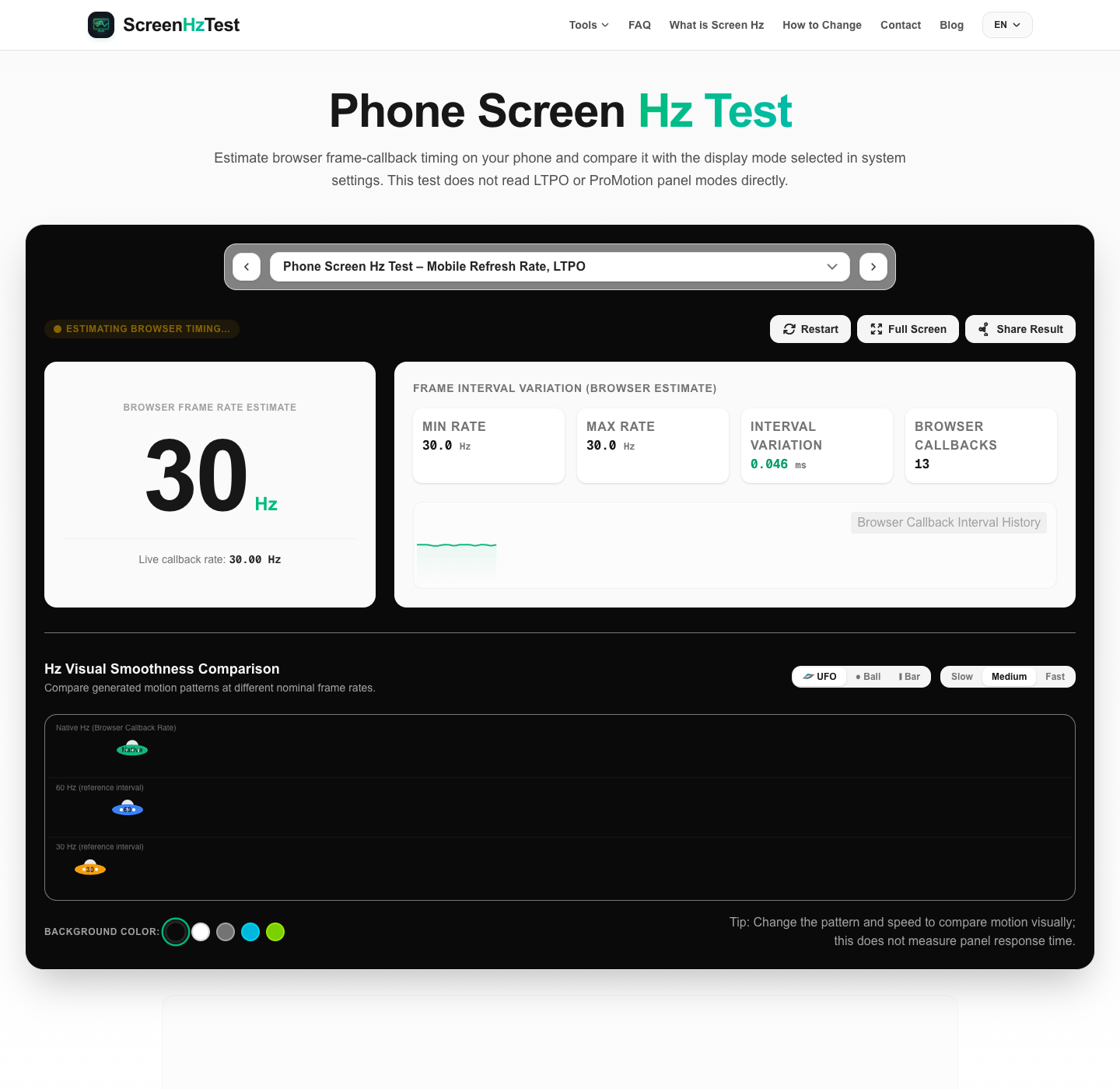
This free phone screen Hz test samples browser animation callbacks on a mobile device. It can help iOS and Android users compare browser rendering with a selected display setting, but it does not directly read the panel's refresh mode or confirm a device's advertised specification. Results can vary with browser scheduling, foreground activity, power settings, and device model.
What is a Phone Screen Hz Test and How Does It Work?
A mobile display refresh rate describes how often a display can update an image, measured in Hertz (Hz). This page does not measure that physical panel rate; it estimates the timing of browser animation callbacks, which may follow but do not expose the panel's refresh signal directly.
The test uses a high-resolution timer and requestAnimationFrame callbacks supplied by the browser. It calculates intervals between callbacks; it does not read the GPU's physical V-Sync signal or a panel sensor. Browser throttling, power settings, and background-tab behavior can affect the live estimate.
Why Should You Run a Phone Screen Hz Test?
Mobile devices have displays with different maximum refresh-rate modes, including 60Hz, 90Hz, and 120Hz. A supported maximum does not mean the system uses that mode at every moment; available modes and power behavior vary by device and settings. This browser test cannot determine which panel mode the operating system selected.
Common reasons to check a mobile display setting include:
- Compare Dynamic Refresh Settings: Some displays adjust refresh behavior based on content, activity, and power settings. Browser callback changes can be observed here, but the test cannot confirm an LTPO panel mode or identify the display's exact transition rate.
- Review Power Settings: Low-power settings may affect display or browser behavior, depending on the device. Check the manufacturer's documentation; this test cannot determine whether a system setting has capped the panel.
- Observe Browser Timing: Browsers may throttle callbacks or rendering in some conditions. This value describes the page's callback timing, not the system's panel refresh setting.
- Separate Browser and Game Results: This page does not measure in-game FPS, touch-sampling rate, or input latency. Use device and game settings to check those values.
Mobile Refresh Rate Comparison: 60Hz vs. 90Hz vs. 120Hz
Smartphone manufacturers place high refresh rate displays at the center of their advertising campaigns. But how do these classes stack up in real-world performance? Check your mobile device's performance with our dynamic comparison index below:
| Phone Refresh Rate | Frame Delivery Window | Visual Smoothness | Battery Impact |
|---|---|---|---|
| 60 Hz | 16.67 ms | Reference interval | Varies by model and settings |
| 90 Hz | 11.11 ms | May appear smoother | Varies by model and settings |
| 120 Hz | 8.33 ms | May appear smoother | Varies by model and settings |
The nominal interval is about 16.7 ms at 60Hz and 8.3 ms at 120Hz. These figures describe refresh intervals only; motion clarity and touch response also depend on the panel, content, software, and input path.
Display Refresh Rate (Hz) vs. Touch Sampling Rate (Hz)
A frequent point of confusion among smartphone consumers is the difference between your phone's display refresh rate and its touch sampling rate. While both are measured in Hertz (Hz), they control two completely separate aspects of mobile interaction:
Display Refresh Rate describes how often a display can update an image. A higher refresh rate can make scrolling or motion appear smoother, depending on the device, content, and settings.
Touch Sampling Rate describes how often a touchscreen samples touch input. It is separate from display refresh rate and varies by phone model. Manufacturer specifications may list values such as 240Hz or 360Hz; this page does not measure them or guarantee a particular input response time.
Troubleshooting: Why is My Phone Locked to 60Hz?
If this page shows an estimate near 60Hz while your phone supports a higher mode, the result alone cannot identify a cause. Check the system display and power settings, then compare the browser estimate again with this tab in the foreground.
1. Low Power Mode is Turned On
Low Power Mode or Battery Saver may change display behavior on some devices. Check the options and guidance for your exact phone model; this browser test cannot determine whether the setting changed the panel mode.
2. Dynamic Scaling (LTPO) Idle Cap
Variable-refresh displays can adjust their mode based on content and activity. Interacting with the page may change browser callback timing, but this does not confirm the display's true peak speed or an LTPO transition.
3. Thermal Throttling / Device Overheating
Device temperature and workload can affect performance, but behavior differs across models. If the phone is hot, follow its manufacturer's guidance and retest after conditions change; this browser estimate cannot diagnose thermal throttling.
4. App or Web Engine Limitations
Browsers and operating systems can schedule or throttle animation callbacks differently, especially when a tab is backgrounded or power-saving features are active. Keep this page in the foreground and consult documentation for your exact phone and browser; this test cannot identify a browser or operating-system limit.