
What the CPS Test Measures
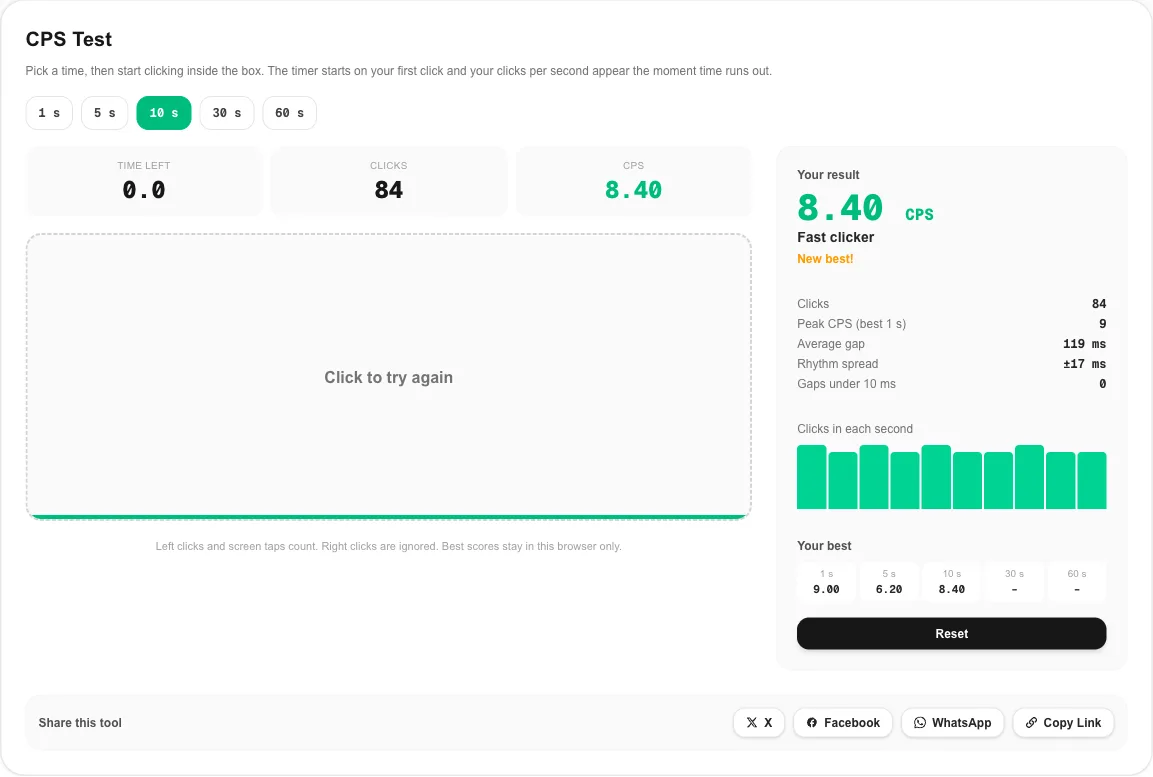
CPS stands for clicks per second. A CPS test counts every left click you make in a set time and divides the total by the number of seconds. Ten seconds and 85 clicks gives 8.5 CPS. It is the simplest way to measure clicking speed, and it is what players mean when they compare scores for PvP games, clicker games and speed challenges.
This CPS test gives you more than one number:
- Clicks per second: total clicks divided by the time you picked.
- Peak CPS: the most clicks you landed in any single second of the run.
- Average gap and rhythm spread: the typical time between clicks and how much it wobbled. A small spread means an even, controlled rhythm.
- Clicks in each second: a small bar chart, so you can see exactly where you slowed down.
- Your best: a personal record for each time mode, kept only in your browser.
How to Take the CPS Test
- Pick a time: 1, 5, 10, 30 or 60 seconds. The 5 second CPS test is the usual choice for comparing with friends.
- Rest your hand on the mouse with the pointer inside the box. Nothing starts until you click.
- Click as fast as you can. The timer starts with your first click and the green bar along the bottom fills up.
- Read your result as soon as time is up. Further clicks are ignored for a moment, so a late click will not start a new run by accident.
- Click the box again to retry, or change the time to try another mode.
Which mode gives the fairest number?
A 1 second run measures a single burst and swings a lot between attempts. Five and ten seconds are the standard modes, long enough to smooth out luck. The 30 and 60 second CPS test modes are endurance tests: your score shows how well you hold speed once your forearm starts to burn.
What Is a Good CPS Score?
There is no official scale, but results from clicking speed tests cluster in clear bands. Use this table to place your result. The label under your score in the tool uses the same bands.
| CPS test result | What it usually means |
|---|---|
| Under 4 | Relaxed clicking, or you are still warming up |
| 4 to 6 | A normal, everyday clicking speed |
| 6 to 8 | Average for people trying hard with one finger |
| 8 to 10 | Fast regular clicking |
| 10 to 14 | Jitter clicking range |
| 14 to 20 | Butterfly clicking range |
| 20 and above | Drag clicking, or a very practiced butterfly clicker |
Your first CPS test is rarely your best. Scores usually climb by one or two clicks per second over the first few attempts as you find a comfortable grip.
Clicking Techniques and the CPS They Reach
Regular clicking
One finger, normal presses. It is comfortable and accurate, and most people top out around 6 to 8 CPS. It is the right baseline for your first run.
Jitter clicking
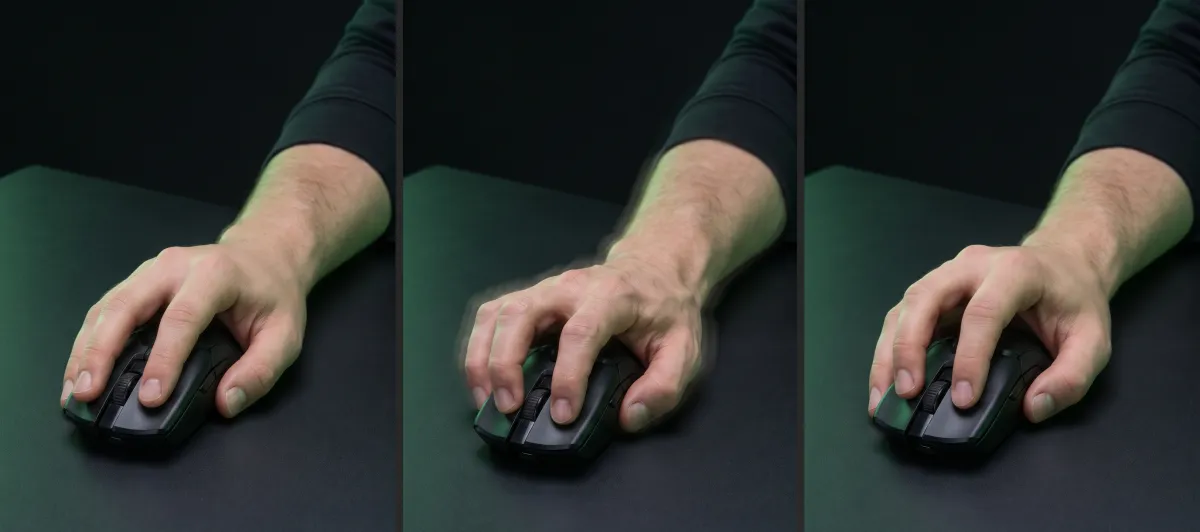
You tense the forearm so the hand vibrates and the finger taps the button with each tremor. It reaches roughly 10 to 14 CPS but tires the arm quickly and makes aiming harder. Keep sessions short, because constant tension strains the wrist.
Butterfly clicking
The index and middle fingers rest on the same button and tap it in turn. Each finger only has to manage half the clicks, so 15 to 20 CPS is common with practice. In this CPS test, butterfly clicking shows up as a short average gap with a wider rhythm spread, because the two fingers never alternate perfectly.
Drag clicking
You drag a fingertip across the button so friction makes it bounce, registering many clicks in a single swipe. It needs a mouse with a grippy button and a switch that reacts quickly, and it produces gaps of only a few milliseconds. That is why this CPS test counts gaps under 10 ms separately.
Peak CPS, Rhythm Spread and the 10 ms Flag
Two runs can have the same average CPS and feel completely different. The extra numbers in the CPS test explain why.
- Peak CPS is your best one-second window. A big gap between peak and average means a fast start and a hard fade; the per-second chart shows exactly where it happened.
- Average gap is the time between clicks. 100 ms equals 10 CPS, 125 ms equals 8 CPS.
- Rhythm spread is the standard deviation of those gaps. Under about ±15 ms is a very even rhythm. Large values point to bursts and pauses.
- Gaps under 10 ms are faster than any finger can lift and press again. With regular clicking, a non-zero count means the mouse itself reported one press as two.
Why CPS Matters in Games
Clicking speed matters most where every click is an attack. Minecraft PvP is the best-known example. In the older 1.8 combat system each click can land a hit, so a higher CPS means more hits and more knockback control. Since version 1.9 Java Edition has an attack cooldown, so steady, well-timed clicks beat raw speed.
Clicker and idle games reward fast clicking too, since every click adds to your score. Many competitive servers set a CPS limit and treat anything above it as an auto clicker. If your CPS test score is close to a server’s limit, stay with regular or jitter clicking there.
How to Improve Your CPS Safely
- Warm up first. Open and close your hand and roll the wrist for 30 seconds before a serious attempt.
- Click with the fingertip, close to the front edge of the button, where the travel is shortest.
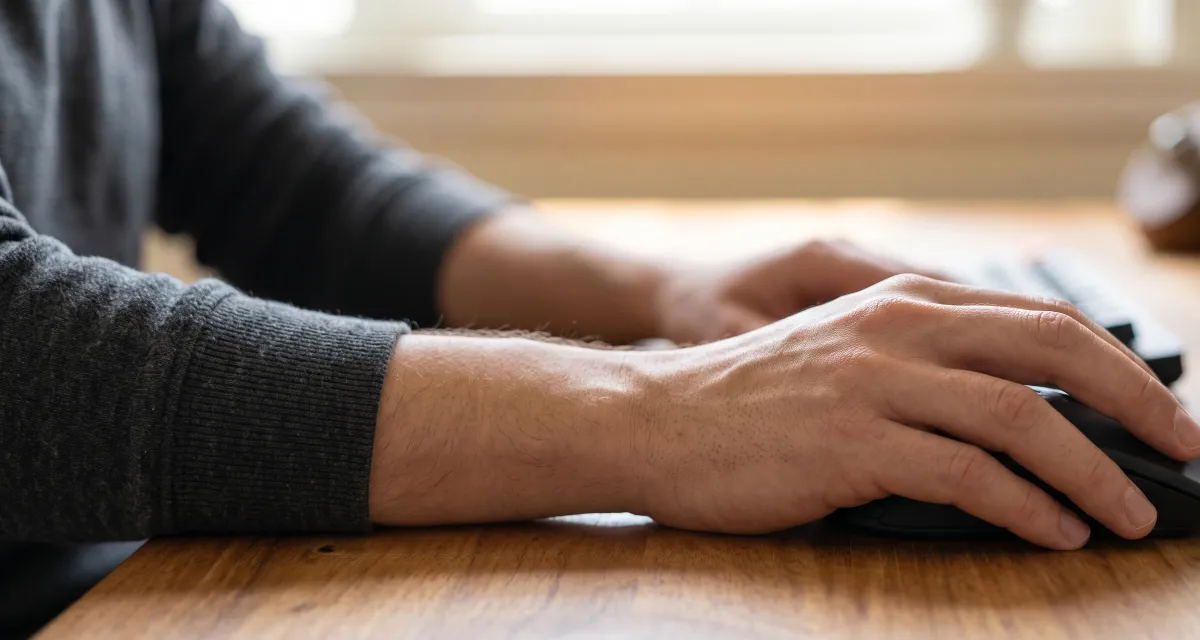
- Keep the wrist straight and let the forearm rest on the desk. Speed comes from the finger, not the shoulder.
- Practice in short sets. Several 10 second runs with a minute of rest beat one long session.
- Stop if it hurts. Tingling or pain in the wrist or forearm is a signal to rest, especially after jitter clicking.
Track progress with the best score for each mode. A steady rise in your 10 second CPS test result is a more honest measure than a lucky 1 second burst.
Does Your Mouse Limit Your CPS?
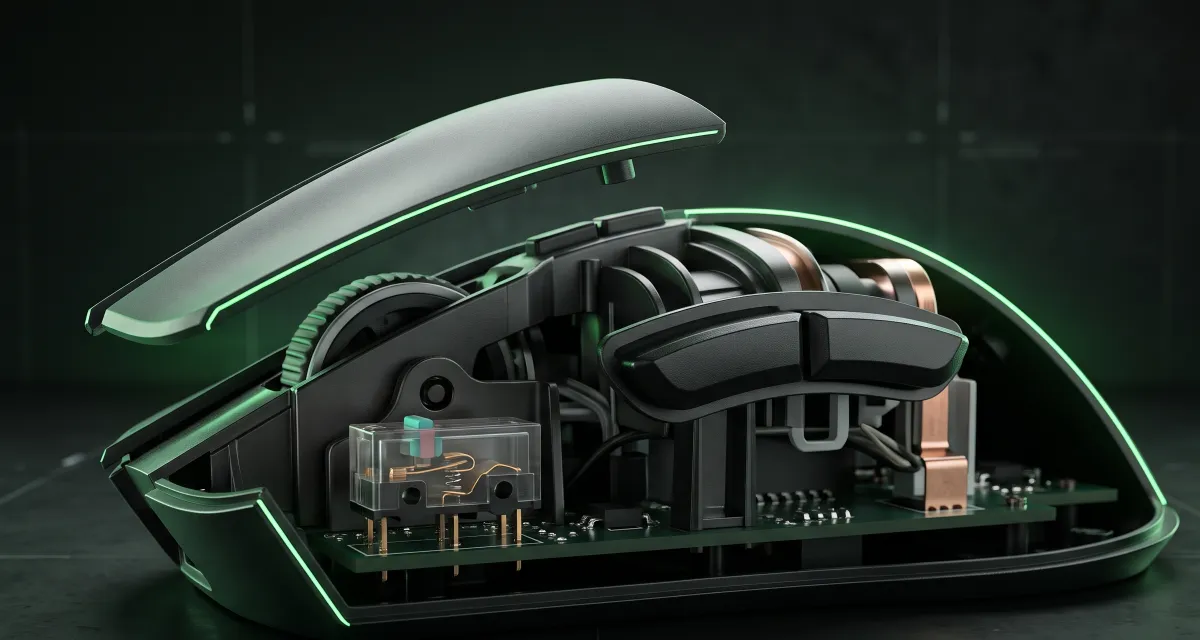
Usually not. A healthy mouse can register far more clicks per second than any finger can make. Where hardware matters is at the extremes. Drag clicking depends on a button surface with grip and a switch with a short debounce time, the delay the mouse waits before accepting the next press. Some gaming mice let you lower debounce in their software. That helps drag clicking, but it also raises the risk of accidental double clicks.
If the CPS test shows gaps under 10 ms while you click normally, the switch may be wearing out. Confirm it with the mouse test, which flags double clicks for every button. Sensor speed is a separate matter that you can check with the mouse polling rate test. Wireless mice in power saving mode can also drop the first click after a pause, so wake the mouse before each run.
More Free Tests
Finished with the CPS test? Check every key with the keyboard test, and confirm your monitor runs at its full refresh rate with the screen Hz test. Like this tool, they run in your browser with nothing to install.
CPS Test FAQ
What is a CPS test?
A CPS test counts how many times you click in a fixed time and divides by the seconds, giving your clicks per second. This CPS test starts the timer on your first click, so you never lose time moving the mouse into place.
What is a good score on the CPS test?
Most people land between 5 and 8 CPS with normal clicking. Around 10 to 14 is fast and usually means jitter clicking. Butterfly clicking with two fingers often reaches 15 to 20, and drag clicking can go higher still.
Which time should I pick for the CPS test?
Use the 5 second CPS test for quick comparisons with friends and the 10 second mode for a fairer number. The 1 second mode rewards a single burst, while 30 and 60 seconds show how well you hold your speed as your hand tires.
Why is my peak CPS higher than my average?
Peak CPS is the most clicks you made inside any one second window. Almost everyone starts fast and slows down, so the peak in a CPS test is usually 1 to 3 clicks higher than the average over the whole run.
What does the gaps under 10 ms number mean?
It counts clicks that arrived less than 10 milliseconds after the previous one. No finger technique except drag clicking is that fast. If you clicked normally and the number is not zero, your mouse switch may be double clicking. Check it with the mouse test.
Does the CPS test work on a phone?
Yes. Tap inside the box instead of clicking. Touch screens report taps a little differently from a mouse, so scores from a phone CPS test are not directly comparable with desktop results.